 Kenn Jacobsen
Archetype

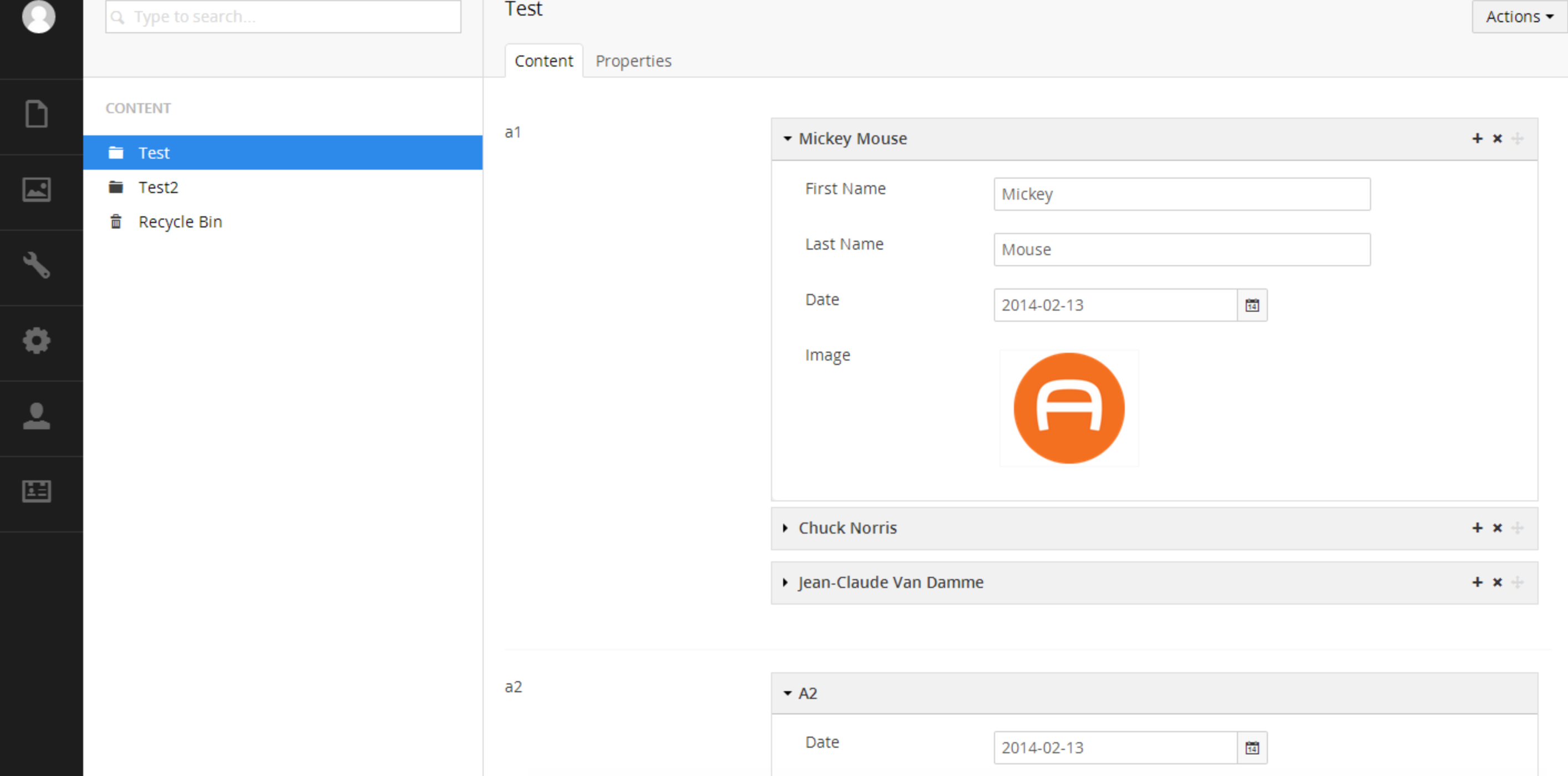
Installation
Install the selected release through the Umbraco package installer or via NuGet.
Official Docs
https://github.com/kgiszewski/ArchetypeManual
News and Updates
Follow us on Twitter https://twitter.com/ArchetypeKit
Core Team
- Kevin Giszewski (founder/project lead) - University of Notre Dame - https://kevin.giszewski.com/
- Tom Fulton (founder) - Tonic - http://hellotonic.com/
- Lee Kelleher - Umbrella - http://www.umbrellainc.co.uk/
- Matt Brailsford - The Outfield - http://www.theoutfield.co.uk/
- Kenn Jacobsen - Vertica - http://kennjacobsen.dk/
Donate!

This project is funded by the core team members' time only. We don't charge for Archetype but it does take quite a bit of effort to keep it up-to-date with Umbraco core changes. If you're making a few bucks off of Archetype, we wouldn't refuse a donation :)
Contribute
Want to contribute to Archetype? You'll want to use Grunt (our task runner) to help you integrate with a local copy of Umbraco.
Install Dependencies
Requires Node.js to be installed and in your system path
npm install -g grunt-cli && npm install -g grunt
npm install
Build
grunt
Builds the project to /dist/. These files can be dropped into an Umbraco 7 site, or you can build directly to a site using:
grunt --target="D:\inetpub\mysite"
You can also watch for changes using:
grunt watch
grunt watch --target="D:\inetpub\mysite"
Add --touch to either command to automatically touch the web.config on a deploy