 Kenn Jacobsen
7d01be305f
Kenn Jacobsen
7d01be305f
Fix mandatory validation: The mandatory validation implementation prevents a valid Archetype from
being submitted on the first go because the mandatory validation isn't
initialized.
Archetype

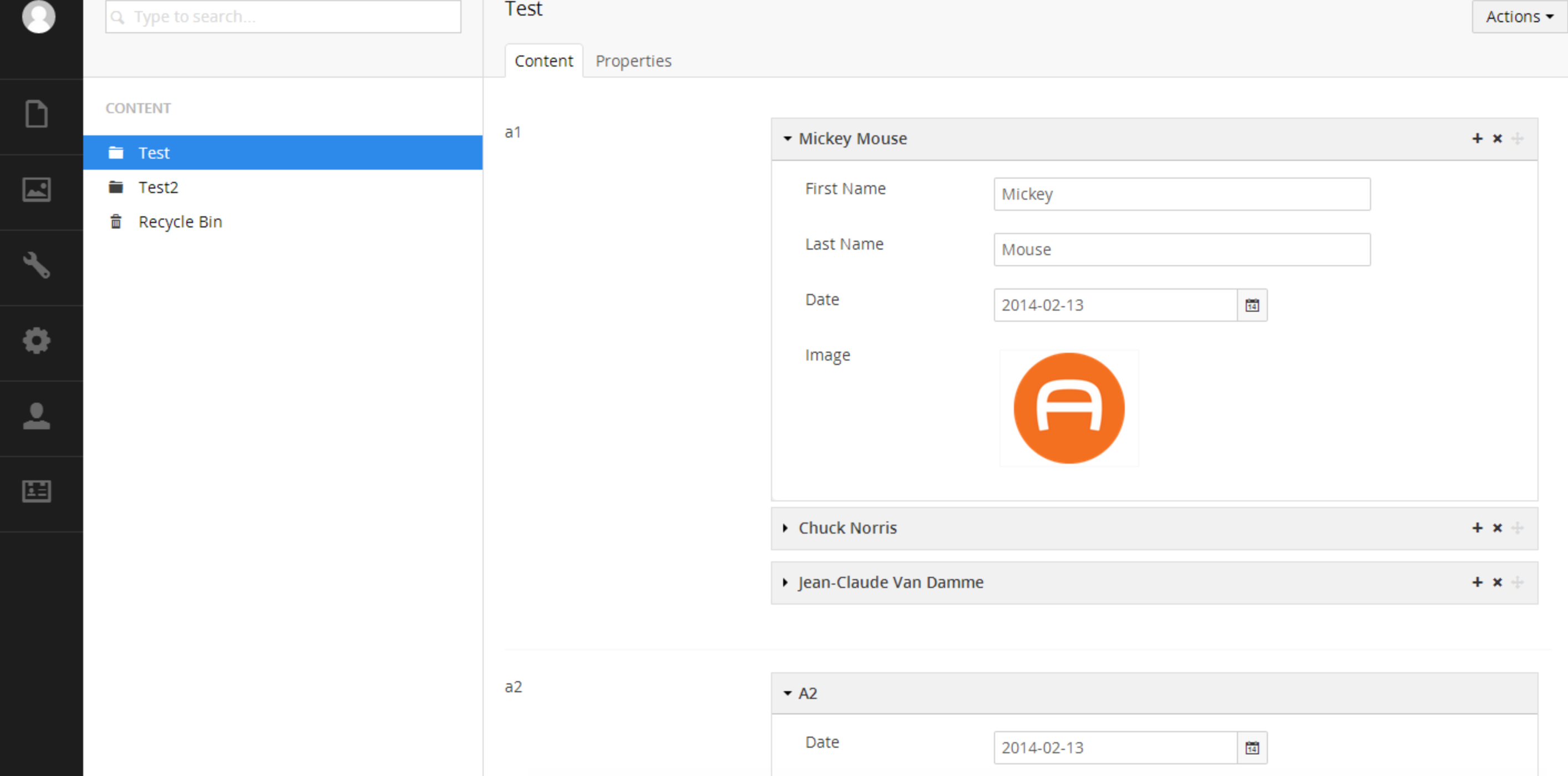
Installation
Install the selected release through the Umbraco package installer or via NuGet.
Official Docs
https://github.com/kgiszewski/ArchetypeManual
News and Updates
Follow us on Twitter https://twitter.com/ArchetypeKit
Core Team
- Kevin Giszewski (founder/project lead) - University of Notre Dame - https://kevin.giszewski.com/
- Tom Fulton (founder) - Tonic - http://hellotonic.com/
- Lee Kelleher - Umbrella - http://www.umbrellainc.co.uk/
- Matt Brailsford - The Outfield - http://www.theoutfield.co.uk/
- Kenn Jacobsen - Vertica - http://kennjacobsen.dk/
Contribute
Want to contribute to Archetype? You'll want to use Grunt (our task runner) to help you integrate with a local copy of Umbraco.
Install Dependencies
Requires Node.js to be installed and in your system path
npm install -g grunt-cli && npm install -g grunt
npm install
Build
grunt
Builds the project to /dist/. These files can be dropped into an Umbraco 7 site, or you can build directly to a site using:
grunt --target="D:\inetpub\mysite"
You can also watch for changes using:
grunt watch
grunt watch --target="D:\inetpub\mysite"
Add --touch to either command to automatically touch the web.config on a deploy